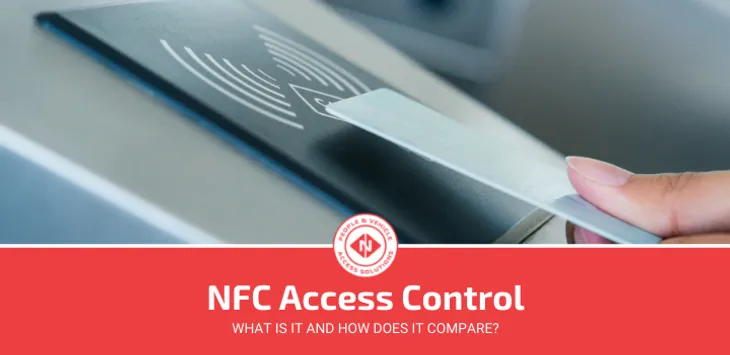

NFC access control is a keyless entry system that lets people unlock doors by tapping an NFC smart card, fob, or smartphone against a reader. The credential and reader exchange encrypted data over a range of about 4 cm — the same technology behind contactless payment — and the system checks it against an access list before releasing the lock.
Most access control decisions we see in the UK come down to one question: physical card or mobile credential? NFC is increasingly the answer to both, now powering door entry in offices, leisure centres, NHS sites and student accommodation.
This guide covers how NFC access control works, how it compares to RFID and Bluetooth, what it costs to install in the UK, and how to decide whether it’s the right choice for your building. If you’re just getting started with access control, our overview of access control systems is worth reading first.
What Is NFC Technology?
Near Field Communication (NFC) is a short-range wireless communication protocol that allows two devices to exchange data by bringing them within approximately 4 cm of each other.
NFC operates at 13.56 MHz and transfers data at rates of 106–424 kbps. It is a branch of High Frequency (HF) RFID technology, governed by ISO/IEC 14443, ISO/IEC 18092, and the NFC Forum standards. Unlike lower-frequency RFID, NFC uses an alternating magnetic field rather than radio waves, eliminating interference with other devices operating on nearby frequencies.
NFC tags can store between 96 and 8,192 bytes of data. That’s significantly more than a standard 125 kHz proximity fob, which carries only a basic identifier. The additional capacity means NFC credentials can carry encrypted authentication data, membership information, or access permissions directly on the card, not just a lookup ID.
One key limitation: NFC can only read one tag at a time. RFID readers can interrogate multiple tags simultaneously, which is why RFID dominates in vehicle identification and asset tracking, while NFC dominates in personnel door access.
Active vs Passive NFC
There are two modes of NFC communication: active and passive.
Active NFC devices have their own power source and can both send and receive data. Smartphones are the most common example. Active NFC devices operate in one or more of these modes:
- Card emulation: the device acts like a smart card, allowing a smartphone to tap-and-enter just like a physical credential.
- Reader/writer: the device reads data from a passive NFC tag or smart card.
- Peer-to-peer: two active NFC devices communicate directly with each other and exchange data bidirectionally.
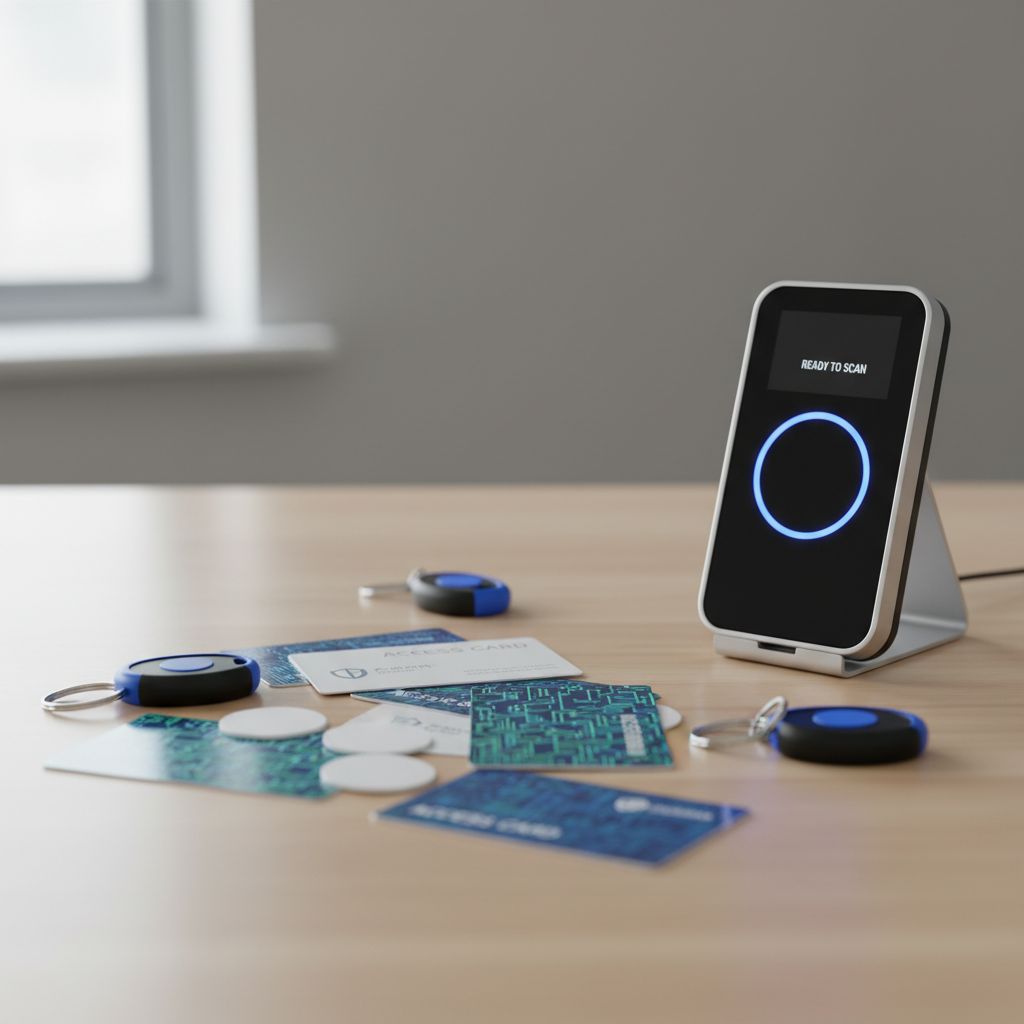
Passive NFC devices (smart cards, fobs, and tags) have no power source. They draw energy from the electromagnetic field of the active reader when brought close, using that power to transmit their credentials back. This is how a standard NFC access card works: no battery, indefinite lifespan, activation only at the point of contact.
How Does an NFC Access Control System Work?
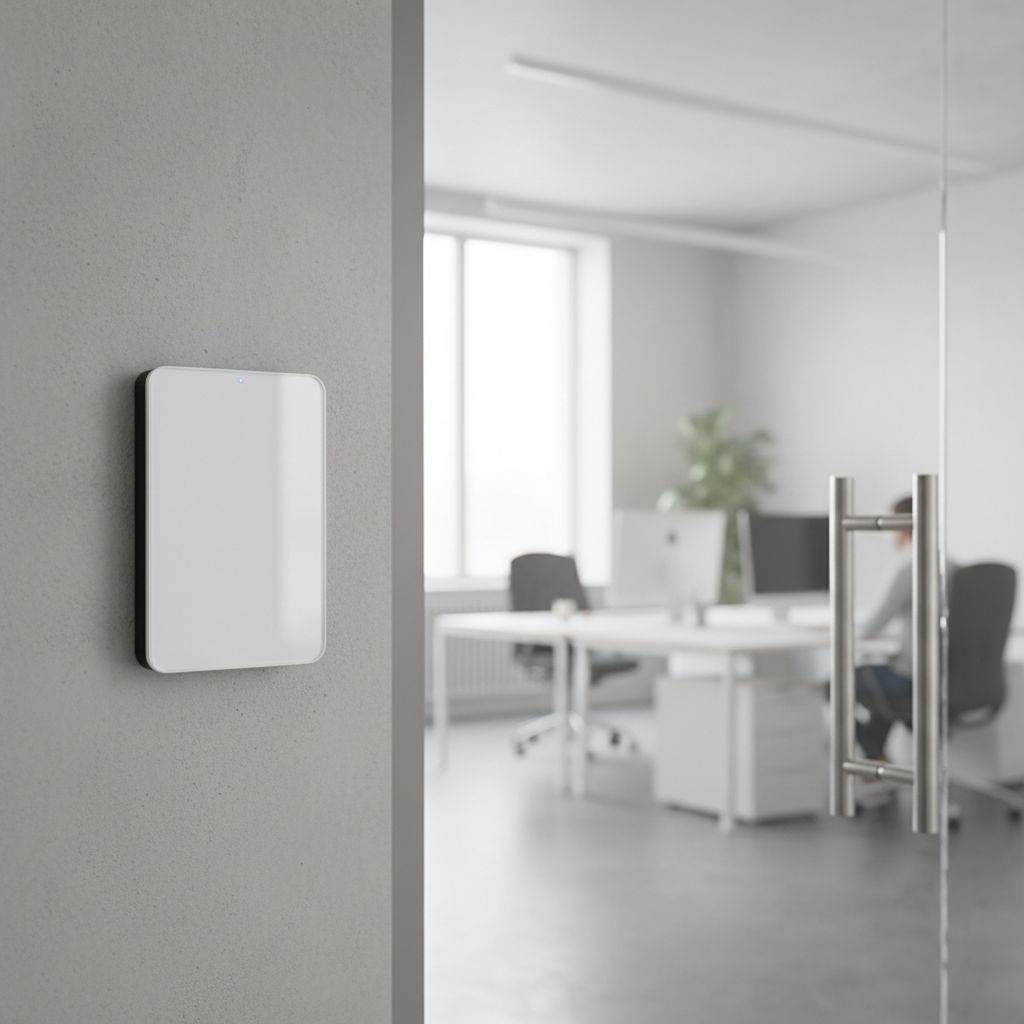
An NFC access control system has four main hardware components:
- NFC reader: mounted at the door, reads the credential and communicates with the controller. For a deeper look at how these work, see our guide on NFC readers.
- Access control controller: the decision-making unit. Receives the credential ID from the reader, checks it against an access list, and triggers the lock to open or remain closed.
- Electronic lock: the physical locking mechanism (electromagnetic, electric strike, or motorised lock bolt) controlled by the controller.
- Credential: the NFC smart card, fob, or smartphone carrying the user’s identity.
When a user presents their credential to the reader, the reader captures the credential data and passes it to the controller within milliseconds. The controller verifies the credential against its access permissions database (checking whether that credential is valid, active, and permitted at that door at that time) and signals the lock accordingly.
Modern systems log every access event: credential ID, door, date, and time. This audit trail is stored in the access control software and is retrievable for compliance, investigation, or HR purposes.
NFC and Smartphones
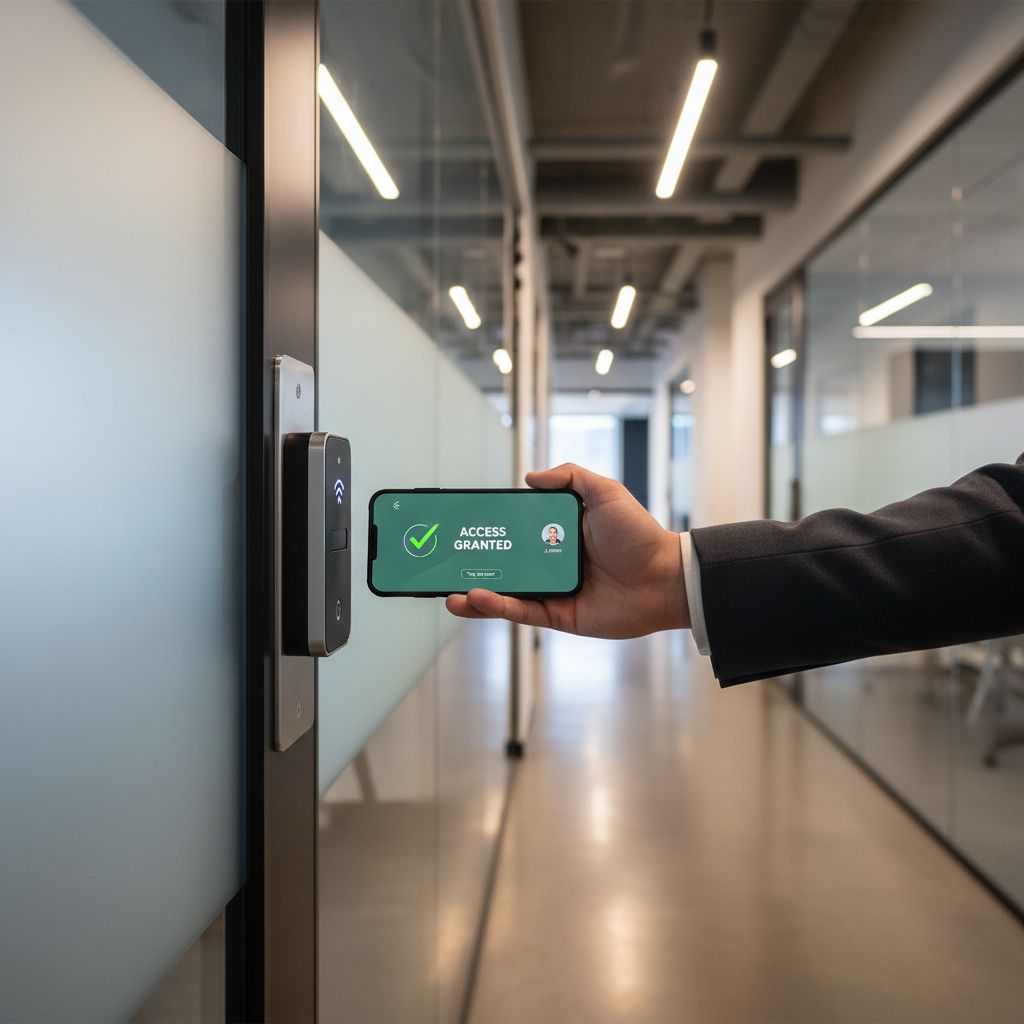
The most significant shift in NFC access control over the past few years is the adoption of smartphones as credentials. With NFC built into virtually all modern Android devices and iPhones (iOS 13 and above), users can store a digital credential on their device and tap to enter, with no physical card required.
Credentials are issued remotely through an access management platform. They can be revoked instantly, time-limited, or assigned restricted access levels, all without distributing or collecting physical hardware. For organisations with high staff turnover or multiple sites, this is a practical operational improvement, not just a convenience.
Many smart card readers now support both physical NFC cards and mobile credentials simultaneously, so there is no need to standardise: users can carry whichever suits them.
iPhone vs Android: What UK Organisations Need to Know
This is one of the most overlooked practical issues when specifying an NFC access control system.
Android devices have supported full native NFC credentials since Android 4.4 via Host Card Emulation (HCE). Credentials are stored in software on the device and emulated as a smart card when held to a reader, with no proprietary hardware needed.
Apple historically restricted NFC to Apple Pay and Apple Wallet, preventing third-party access control apps from using the NFC chip directly. As a result, most iPhone-compatible mobile credentials relied on Bluetooth Low Energy (BLE) rather than NFC. In practice, this meant iPhone users needed to use a different credential mechanism to Android users, which created complexity in mixed-device environments.
From iOS 18 onwards, Apple has opened NFC APIs to third-party developers, enabling native NFC credential support on iPhone in supported regions. However, not all access control platforms have updated to take advantage of this, and not all users will be running the latest iOS.
Our recommendation for mixed iPhone/Android workforces: specify a multi-technology reader that handles both NFC (for Android) and BLE (for iPhone) from a single device. This eliminates any device compatibility issue without restricting your credential policy.
NFC vs RFID vs Bluetooth: Full Comparison
NFC, RFID, and Bluetooth Low Energy (BLE) are the three most common wireless credential technologies in UK access control today. The right choice depends on your application.
| Feature | NFC | RFID (LF/HF) | Bluetooth (BLE) |
|---|---|---|---|
| Frequency | 13.56 MHz | 125 kHz – 13.56 MHz | 2.4 GHz |
| Read range | Up to 4 cm | Up to 10 m (UHF) | Up to 10 m |
| Communication | Two-way | One-way | Two-way |
| Credential types | Smart card, smartphone, fob | Smart card, fob, tag | Smartphone only |
| iPhone native support | iOS 18+ (limited) | N/A | Full (all models) |
| Android native support | Full | N/A | Full |
| Multi-tag scanning | No | Yes (RFID) | No |
| Encryption support | Yes (DESFire AES-128) | Varies (LF often none) | Yes |
| Best for | Door access, hospitality, leisure | Vehicle access, asset tracking | Mobile-first offices |
| Typical reader cost | £100–£300 | £200–£2,000+ (long-range) | £100–£300 |
For a more detailed breakdown of NFC and Bluetooth specifically, see our guide on NFC vs Bluetooth access control. For vehicle and gate access applications where long read range is essential, RFID access control remains the better fit.
How Secure Is NFC Access Control?
NFC is significantly more secure than legacy proximity (125 kHz) technology, but the level of security depends heavily on the credential type and how the system is configured.
Credential Encryption
Standard proximity cards transmit an unencrypted ID that can be captured and cloned with widely available equipment. NFC smart cards using MIFARE DESFire EV2/EV3 support AES-128 encryption and mutual authentication, meaning both the card and the reader verify each other’s identity before any data is exchanged. Cloning a DESFire card without the cryptographic keys is not practically feasible.
For a detailed breakdown of the security gap between legacy 125 kHz proximity cards and encrypted NFC smart credentials, see our guide to proximity cards vs RFID.
Plain NFC credentials (without encryption) are more vulnerable. If you are specifying an NFC access control system and security is a priority, confirm that the system uses encrypted DESFire or equivalent credentials, not unencrypted NFC tags.
Mobile Credential Security
Mobile credentials on smartphones are secured by the device’s secure element or Trusted Execution Environment (TEE), combined with the device’s biometric or PIN lock. In practice, this makes a stolen smartphone credential less exploitable than a stolen physical card: an attacker also needs to unlock the device.
The risk with mobile credentials is that unencrypted credential data transmitted over the air (without mutual authentication) can theoretically be intercepted via eavesdropping. Reputable access control platforms mitigate this through fully encrypted credential exchange and certificate-based authentication.
Can NFC Cards Be Cloned?
Encrypted NFC cards (DESFire EV2/EV3) cannot be practically cloned. Legacy proximity cards and some older NFC implementations without encryption can be copied. If your site runs 125 kHz proximity cards and you are considering upgrading to NFC, choosing an encrypted credential type as part of that migration is strongly recommended.
Benefits of NFC Access Control
- Tap-and-go convenience: no PIN, no swipe, sub-second authentication. A clean user experience for high-traffic doors.
- Mobile credentials: issue, update, and revoke credentials remotely. No physical card distribution required.
- Strong encryption: DESFire credentials provide enterprise-grade authentication, significantly more secure than legacy proximity.
- Integration with membership and HR systems: NFC credentials can carry richer data, enabling direct integration with time and attendance, membership management, and visitor platforms.
- Long credential lifespan: passive NFC smart cards have no battery and an indefinite operational life, reducing replacement costs.
- Multi-technology flexibility: most modern NFC readers also support MIFARE Classic, DESFire, and proximity cards simultaneously, enabling phased migration without disruption.
Drawbacks and Failure Scenarios
Limited Read Range
NFC’s 4 cm range is a deliberate security feature, but it rules out hands-free applications. For vehicle access, gate entry, or scenarios where users have their hands full, long-range UHF RFID is the appropriate technology.
Device and Battery Dependency
A smartphone credential is useless if the device is flat or switched off. This is a genuine operational risk for mobile-first deployments, not just a theoretical concern.
How to mitigate it:
- Ensure NFC readers include a PIN keypad fallback for emergency access.
- Issue backup physical cards to key personnel or those managing critical access points.
- Consider readers with built-in intercom or remote release capability so a receptionist or security team can grant access manually.
Power Failure and System Outages
Access control hardware should include battery backup providing at least 4–8 hours of autonomous operation. The choice between fail-safe (lock releases on power loss) and fail-secure (lock remains closed) should be determined by fire safety requirements and occupancy regulations, not default configuration.
For multi-site organisations, choose an access control platform that allows readers to operate offline, caching access decisions locally and syncing with the central server when connectivity is restored.
Credential Revocation Lag
Mobile credential systems require the device to connect to the server to receive an updated credential list. A recently terminated employee’s credential may still work for minutes or hours if their device is offline when revocation is issued. For high-security applications, confirm that your chosen platform supports real-time revocation with a fallback to cached revocation lists at the reader.
NFC Access Control by Sector
Leisure and Fitness
NFC is well-established in gym and leisure centre access because of its natural integration with membership management software. Credentials can carry membership tier data, allowing different access levels (e.g., gym-only vs full facilities) to be enforced at the reader without a server lookup on every entry. We’ve seen this deployed across leisure trusts managing multiple sites from a single platform, significantly reducing front-desk workload during peak hours.
Healthcare
NHS trusts and private healthcare sites have adopted NFC access control for its infection control benefits: contactless entry eliminates touch points on high-traffic doors. Visitor management systems can issue single-use NFC passes at reception, limiting access to specific wards and automatically expiring after the visit. Data collected by these systems (who accessed which area, when) may constitute personal data under UK GDPR. See the compliance section below.
Education
Universities and further education colleges use NFC for student accommodation, library access, and laboratory entry. Student ID cards issued at enrolment double as NFC credentials, managed centrally and automatically suspended on course completion. The ability to issue temporary access for visiting academics or contractors without physical card distribution is a practical operational benefit.
Hospitality
Hotels replacing traditional magnetic stripe key cards with NFC smart cards (or mobile check-in credentials on smartphones) benefit from reduced key card replacement costs and the ability to extend or restrict room access remotely. NFC room keys can also integrate with loyalty systems, automatically adjusting access permissions based on membership tier.
What Does NFC Access Control Cost in the UK?
Pricing varies by system complexity and installation scope, but the following ranges are broadly representative for UK supply-and-fit projects:
| Component | Approximate UK Cost |
|---|---|
| NFC smart card (per card) | £2–£8 |
| NFC reader (per door) | £100–£300 |
| Single-door system (reader + controller + lock) | £400–£900 |
| 3–5 door installation (supply and fit) | £2,500–£6,000 |
| Mobile credential software (per user/month) | £2–£5 |
These figures cover hardware and installation. Software licensing, backend infrastructure (servers or cloud), and ongoing support contracts are additional costs that vary significantly by platform and organisation size. Get at least two quotes from installers who specify NFC systems: the hardware cost difference between suppliers is typically modest, but installation and software costs vary considerably.
For a broader comparison of access control costs across different credential technologies and building scales, see our UK access control cost guide.
Migrating from Legacy Proximity Cards to NFC
Organisations with an existing 125 kHz proximity card infrastructure don’t need to replace everything overnight. Multi-technology readers can read both legacy proximity credentials and NFC smart cards simultaneously, which makes a phased migration practical.
A typical phased approach:
- Replace readers first: install multi-technology readers at key access points. Existing proximity cards continue to work.
- Issue NFC cards alongside existing cards: new starters receive NFC credentials; existing staff keep their proximity cards until natural replacement events (lost cards, role changes).
- Monitor and transition: track which credential type is being used at each reader. Once proximity card usage drops below a threshold, disable that credential type.
- Full NFC migration: all users on NFC credentials; multi-technology reader capability is retained for any legacy exceptions.
This approach typically costs 30–40% less than a full rip-and-replace, and eliminates the disruption of a single-day cutover across a large estate.
How to Choose the Right NFC Access Control System
Five questions to ask before specifying:
1. What credential types do you need to support? If your workforce is mixed iPhone/Android, or you want to support both physical cards and mobile credentials, confirm the reader supports all required credential protocols: NFC, BLE, MIFARE Classic, and DESFire at minimum.
2. What encryption level do you need? For most commercial applications, DESFire EV2 with AES-128 is the appropriate baseline. Lower-security sites may accept MIFARE Classic. High-security environments (data centres, pharma, government) should look at DESFire EV3 or add biometric second-factor authentication.
3. Does the system integrate with your existing software? Access control is more useful when it talks to your HR system, visitor management platform, or (for leisure operators) your membership software. Check whether the access control platform uses open protocols (OSDP, REST API) or a proprietary interface before committing.
4. How does the system handle offline and failure scenarios? Confirm the reader can operate autonomously when it loses server connectivity, and check the maximum credential cache age. Understand the fail-safe/fail-secure behaviour and whether battery backup is included or optional.
5. What are the total cost of ownership implications? Hardware is often the smallest part of the long-term cost. Factor in software licensing, credential replacement rates, support contracts, and (if using mobile credentials) the administrative overhead of managing a BYOD policy.
UK GDPR and Data Protection Compliance
NFC access control systems collect personal data: specifically, records of which individual was at which location at what time. Under UK GDPR (as retained post-Brexit), this constitutes processing of personal data and must be handled accordingly.
Key compliance considerations:
- Lawful basis: access control data is typically processed under legitimate interests (security and building management) or as a contractual requirement for employees. Document your lawful basis.
- Retention period: access logs should not be retained indefinitely. Define a retention period (commonly 30–90 days for routine logs, longer for incident-related data) and enforce it automatically in your access control software.
- Data Protection Impact Assessment (DPIA): if your access control system uses biometric data (fingerprints, facial recognition) in addition to NFC credentials, a DPIA is mandatory. For NFC-only systems, a DPIA is good practice but not always legally required.
- Subject Access Requests: individuals have the right to access their own access log data. Your access control platform should be capable of extracting this on request.
If you are deploying NFC access control in a healthcare or education environment where the occupants include patients, students, or vulnerable individuals, additional considerations under the ICO’s guidance on special category data may apply.
Frequently Asked Questions
What is an NFC key?
An NFC key is a credential (typically a smart card, fob, or smartphone) that uses Near Field Communication to authenticate a user at an access point. The term “NFC key” is often used interchangeably with “NFC card” or “NFC fob.” The credential communicates with the reader at a distance of up to 4 cm to unlock a door or gate.
Is NFC the same as RFID?
NFC is a type of RFID. Both use electromagnetic fields to communicate wirelessly, but NFC operates specifically at 13.56 MHz with a maximum range of 4 cm and supports two-way communication. Broader RFID systems cover multiple frequencies (from 125 kHz to 960 MHz) and can read at distances from a few centimetres to 10+ metres. For access control, NFC is typically used for personnel door entry; RFID covers vehicle access and long-range identification.
How secure is NFC access control?
When using encrypted credentials (MIFARE DESFire EV2/EV3 with AES-128), NFC access control is highly secure. The short read range limits relay attack risk, mutual authentication prevents cloning, and mobile credentials add a second factor (device PIN or biometric). The weakest NFC deployments use unencrypted cards: always confirm the encryption standard before specifying.
Can NFC cards be cloned?
Encrypted NFC cards (DESFire) cannot be practically cloned: the cryptographic keys required are inaccessible. Unencrypted legacy 125 kHz proximity cards and some older NFC implementations without encryption can be copied with inexpensive hardware. If cloning resistance is a requirement, specify DESFire credentials explicitly.
What happens if my phone battery dies?
If you rely solely on a smartphone NFC credential and the battery dies, you will need an alternative access method. Best practice is to ensure readers include a PIN fallback, or to issue physical backup cards to staff at critical access points. For this reason, many organisations operate a hybrid policy: mobile credentials for daily use, physical cards as a backup.
Does NFC access control work on iPhone?
Historically, iPhone NFC was restricted to Apple Pay and Wallet, so most iPhone-compatible mobile credentials used Bluetooth Low Energy (BLE) instead. iOS 18 opened NFC APIs to third-party developers, enabling native NFC credential support on recent iPhones in supported regions. If your workforce includes iPhone users, confirm your chosen platform and readers support BLE credentials as well as NFC, or specify multi-technology readers that handle both.
How much does an NFC access control system cost in the UK?
A single-door NFC system (reader, controller, and electronic lock) typically costs £400–£900 for hardware. A 3–5 door supply-and-fit installation typically runs £2,500–£6,000 depending on door hardware, cable runs, and system complexity. Mobile credential software adds £2–£5 per user per month if applicable. Get quotes from NFC-specialist installers rather than general electricians for more accurate pricing on your specific site.
Can NFC be used for vehicle access or car park entry?
NFC’s 4 cm read range makes it impractical for vehicle access: a driver cannot realistically present a smartphone or card at that range from inside a vehicle. For car park barriers and gate access, long-range RFID (typically UHF at 860–960 MHz, with read ranges of up to 10 metres) is the appropriate technology. Some sites combine both: NFC for pedestrian doors, RFID for vehicle lanes.
If you’re evaluating NFC access control for your site and want a recommendation based on your specific building type, credential mix, and integration requirements, talk to one of our engineers. We specify and supply NFC-capable hardware across the UK and can advise on the right credential type, reader technology, and migration path for your situation.