
A proximity card is not the opposite of an RFID card: it is one type of RFID card. It works at 125 kHz and sends a fixed, unencrypted ID number to the reader. When people say “RFID card” in access control, they usually mean a 13.56 MHz smart card, which supports encryption, or a UHF tag that reads at up to 10 metres.
Facilities managers and installers ask us this regularly, and Nortech designs and manufactures both proximity and smart card readers in Cwmbran, South Wales. This guide explains what each card is, how they differ on frequency, range and security, and what moving from proximity cards to encrypted RFID looks like in practice.
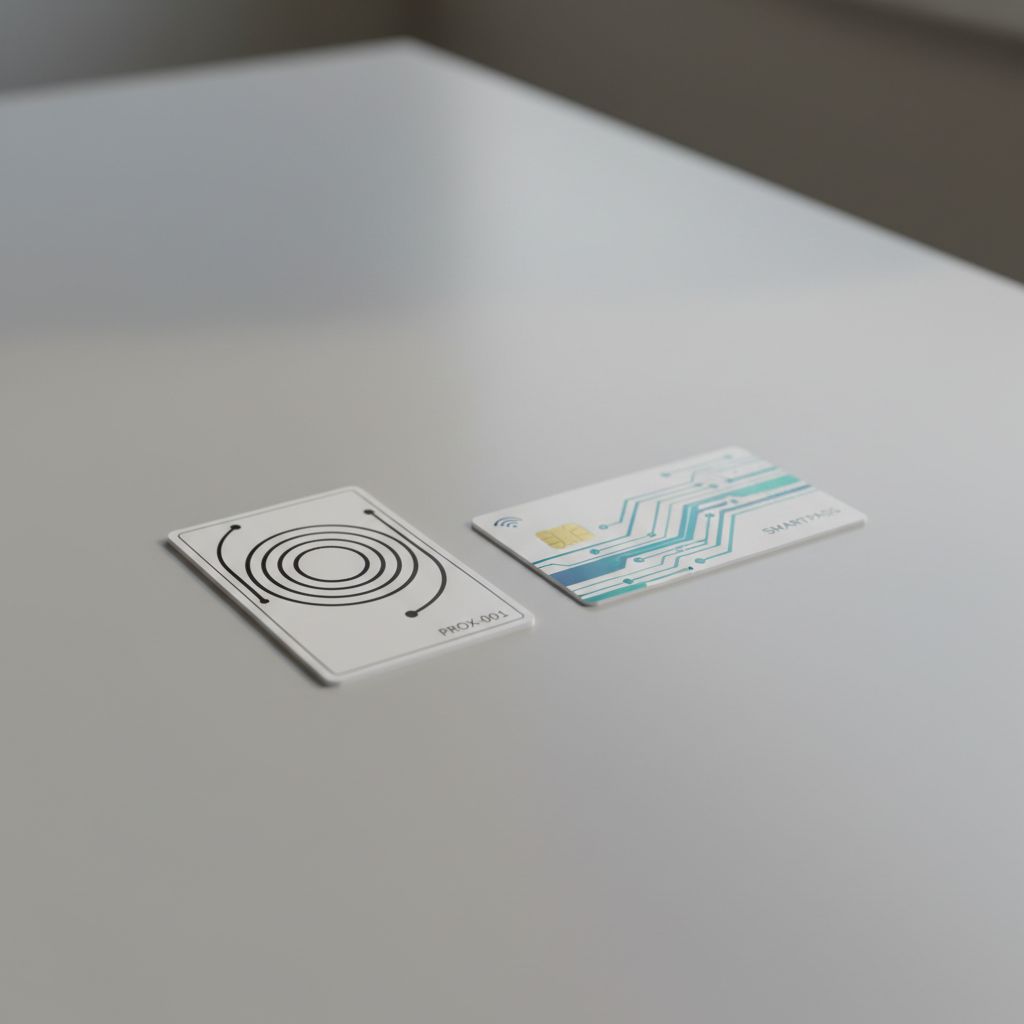
What Is a Proximity Card?
A proximity card (prox card) is a contactless access card that uses Low Frequency (LF) RFID at 125 kHz. It contains a coil antenna and a chip that stores one fixed ID number. Held within a few centimetres of a reader, the card is powered by the reader’s field and sends that number, and the access controller decides whether to open the door.
Proximity cards have been the standard building access credential since the 1990s and are still common in older systems across the UK.
Proximity cards have no battery, need no contact with the reader, and survive years of daily use. For simple door entry where security requirements are modest, they have done the job for decades.
How Do Proximity Cards Work?
When a proximity card is held within range of a proximity reader (typically 5 to 15 cm; Nortech’s own proximity readers read at 50 to 100 mm), the reader emits a 125 kHz electromagnetic field that powers the card’s antenna. The chip activates and broadcasts its fixed ID number. The reader captures this number and passes it to the access controller, which either grants or denies entry based on its authorisation database.
Crucially, this transmission is unencrypted. The card broadcasts its ID in plaintext every time it enters any 125 kHz field, including fields generated by malicious scanning devices.
What Is an RFID Card?
An RFID card is any card with a chip and antenna that a reader identifies by radio, without contact. RFID cards come in three frequency bands: 125 kHz proximity cards, 13.56 MHz smart cards such as MIFARE DESFire (the same band as NFC), and 860 to 960 MHz UHF tags. Smart cards can encrypt their data; proximity cards cannot.
The main types of access card you will meet are 125 kHz proximity cards, 13.56 MHz smart cards, UHF windscreen tags for vehicles, phones acting as cards, and, on older systems, magnetic stripe cards. Where proximity cards are limited to 125 kHz and a static ID number, HF and UHF RFID cards can support encryption, mutual authentication and multi-application data storage.
RFID Frequencies
| Frequency Band | Range | Typical Use |
|---|---|---|
| Low Frequency (LF, 125 kHz) | Up to 15 cm | Proximity cards; legacy door entry |
| High Frequency (HF, 13.56 MHz) | Up to 1 metre | Encrypted smart cards; NFC; multi-application credentials |
| Ultra-High Frequency (UHF, 860 to 960 MHz) | Up to 10+ metres | Vehicle access; hands-free pedestrian entry; logistics |
High Frequency cards using protocols such as MIFARE DESFire EV2/EV3 or HID SEOS support mutual authentication: the reader verifies the card is genuine before granting access. UHF systems are designed for hands-free operation at distance, and are used in vehicle access control, logistics sites, and high-throughput pedestrian entry points.
Is a proximity card the same as an RFID card?
A proximity card is an RFID card, but not every RFID card is a proximity card. Proximity cards use Low Frequency (125 kHz), one of the three RFID bands. When people contrast “RFID cards” with “proximity cards”, they usually mean modern HF or UHF credentials, which support encryption and longer range, against older LF proximity cards, which do not. The underlying radio principle is the same.
Key Differences: RFID Cards vs Proximity Cards
| Feature | Proximity Cards | HF RFID Smart Cards | UHF RFID Tags |
|---|---|---|---|
| Frequency | 125 kHz (LF only) | 13.56 MHz (HF) | 860 to 960 MHz (UHF) |
| Read range | Up to 15 cm | Up to 1 metre | Up to 10+ metres |
| Encryption | None (static ID only) | AES-128 (DESFire EV2/EV3), SEOS | Varies |
| Cloning risk | High (easily cloned) | Very low (mutual authentication) | Low |
| Data storage | Fixed ID number only | Multiple applications, dynamic data | Variable |
| Read/write | Read only | Read/write | Read/write |
| Hands-free use | No | Limited | Yes |
| Typical cost per credential | £1 to £3 | £3 to £8 | £8 to £20 (vehicle tags) |
Read Range
The 125 kHz frequency limits proximity cards to a read range of a few centimetres: 50 to 100 mm on Nortech’s proximity readers. The user must hold the card close to the reader, which is adequate for a tap-to-enter door but unsuitable for any hands-free application. HF smart cards read at similar distances on a door reader (up to 100 mm on Nortech’s smart card readers), and at up to about 1 metre on specialist long-range HF readers. UHF systems (used for vehicle access) operate at 10 metres or more, with Nedap’s uPASS range reading vehicle tags at speeds of up to 125 mph.
Encryption and Security
This is the most consequential difference. Proximity cards transmit a fixed, unencrypted ID number. HF RFID smart cards using MIFARE DESFire or HID SEOS use challenge-response authentication: the reader issues a challenge, the card responds using an encryption key, and both sides verify each other. A copied card number is useless without the matching key.
Data Storage
Proximity cards store a single static ID (typically a 26-bit Wiegand number). HF smart cards can store multiple applications on a single credential: access control, time and attendance, cashless vending, and car park access can all share one card. This is particularly relevant for multi-site organisations where one credential needs to work across different systems.
Read/Write Capability
Proximity cards are read-only. The ID number is set at manufacture and cannot be changed. HF RFID cards support read/write operations: data can be updated on the card after issue, enabling dynamic credential management without reissuing physical cards.
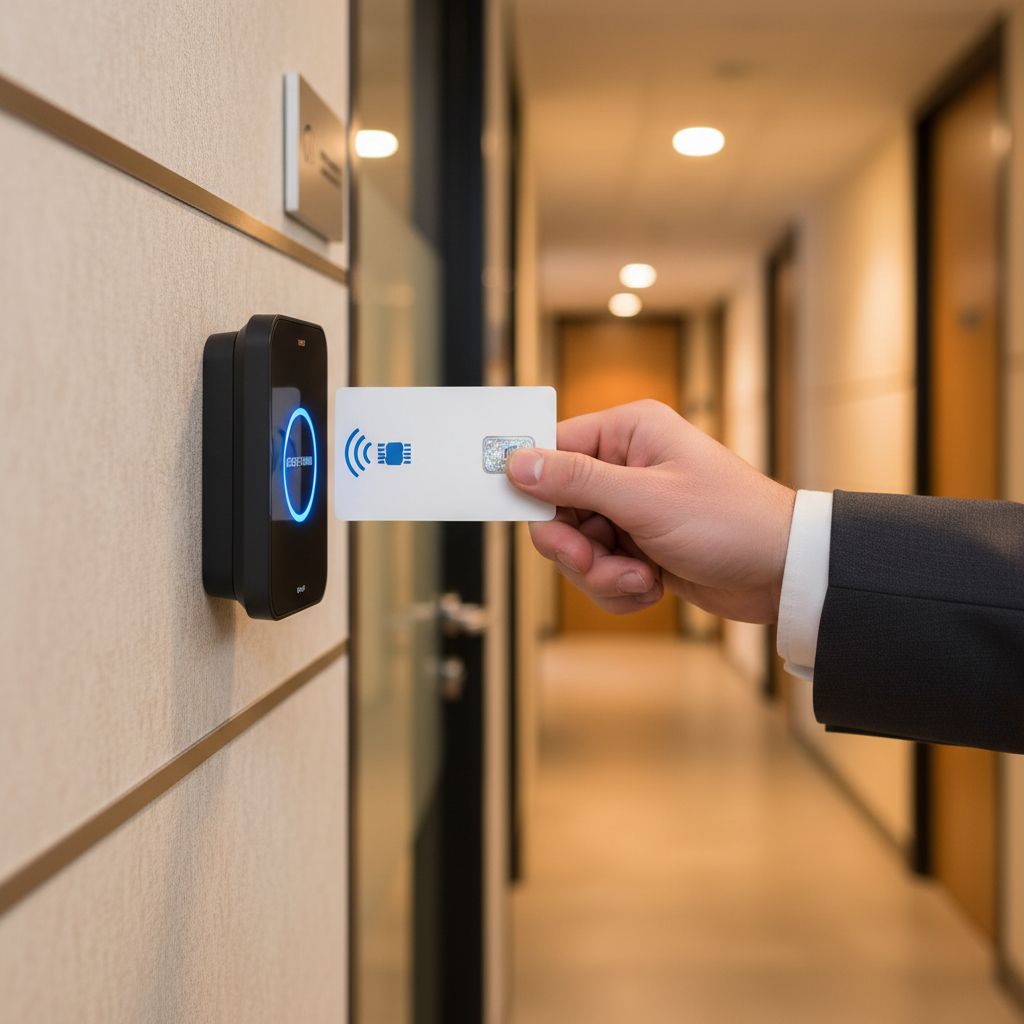
The Security Problem with Proximity Cards
The security industry has known about proximity card vulnerabilities for years. What has changed is the accessibility of the tools to exploit them.
A 125 kHz card cloner (the kind available online for under £30) can read a proximity card’s ID number from within a few centimetres and write it to a blank card in seconds. The attacker does not need to steal the card. A brief proximity encounter in a lift, a café queue, or a car park is sufficient. The copied card will work on any reader in the same system because the reader has no way to verify it is genuine: it only checks the ID number.
This is not a theoretical risk. In the UK, physical security assessments regularly identify proximity card cloning as a viable attack vector for commercial sites. The vulnerability is well documented in the security testing community, and the equipment required is widely available.
Mutual authentication is the fix. HF smart card protocols such as MIFARE DESFire EV2/EV3 require the card to prove it holds the correct encryption key before the reader accepts it. Even if an attacker captures the card’s transmission, they cannot use it without the key, which is stored securely in the chip and never broadcast.
For any site where unauthorised access would have material consequences (a data centre, a pharmaceutical warehouse, a financial services office), continuing to rely on 125 kHz proximity credentials is a security liability that is straightforward to address.
Migrating from Proximity Cards to Encrypted RFID
Most organisations do not need to rip out their entire access control system to move from proximity to encrypted RFID. The practical migration path is:
1. Fit multi-technology readers. Multi-technology readers support both 125 kHz proximity cards and 13.56 MHz HF smart cards simultaneously. Existing proximity cardholders continue to use their current credentials. New joiners receive encrypted smart cards. During the transition period, both work at the same reader.
2. Issue HF credentials to high-risk cardholders first. Not everyone needs to migrate at once. Prioritise credentials that access the most sensitive areas: server rooms, cash handling areas, executive floors. These are the credentials most worth protecting.
3. Set a cutover date. Once most cardholders have been issued HF credentials, disable the 125 kHz functionality in the access software and remove the reader’s legacy mode. From that point, only encrypted cards work.
4. Upgrade the controller if needed. Most modern access controllers support encrypted HF credentials natively. Some older proprietary systems may require a controller upgrade alongside the reader change: worth confirming before specifying the migration.
Nortech’s DeltaQuest controllers are open-architecture and support multi-technology readers from day one, which makes this kind of phased migration straightforward without changing your access control software. On the reader side, Nedap’s NVITE, which we supply, reads 125 kHz proximity cards, 13.56 MHz smart cards such as MIFARE DESFire, NFC and Bluetooth phones, and QR codes in one housing.
For a guide to the credential formats available during and after migration (cards, fobs and smart tokens) see our key fob and proximity card guide.
UK Costs: Upgrading from Proximity to Encrypted RFID
As a guide to what migration costs look like in UK installations:
| Item | Approx. Cost |
|---|---|
| Multi-technology reader (replaces existing proximity reader) | £80 to £160 per door |
| Installation (labour, cabling, commissioning per door) | £150 to £350 per door |
| MIFARE DESFire HF smart card (per credential) | £3 to £8 each |
| Programmed HID SEOS card (per credential) | £6 to £12 each |
| Access controller upgrade (if required) | £200 to £600 per controller |
For a 5-door office with 50 staff, a full migration from proximity to encrypted HF RFID (replacing readers, issuing new cards, and commissioning) typically runs £3,000 to £6,000. The alternative is leaving a cloning-vulnerable system in place indefinitely, which may also affect your cyber and physical security insurance position.
For a full breakdown of what access control migration costs across different building types and scales, see our access control system cost guide.
Frequently Asked Questions
What is the difference between RFID and proximity cards?
Proximity cards are a type of RFID technology, specifically Low Frequency RFID operating at 125 kHz with no encryption. Modern RFID cards operate at High Frequency (13.56 MHz) or Ultra-High Frequency (860 to 960 MHz), support encryption and mutual authentication, and offer longer read ranges. The key practical difference is security: proximity cards can be cloned cheaply; encrypted HF RFID cards cannot.
What is the difference between MIFARE and a proximity card?
MIFARE is a family of 13.56 MHz smart card chips; a proximity card is a 125 kHz card with a fixed ID. Secure MIFARE cards such as DESFire EV2 and EV3 use AES encryption and mutual authentication, while a proximity card sends its number unencrypted. A reader built for one cannot read the other unless it is a dual-technology reader.
Is MIFARE RFID or NFC?
Both. MIFARE cards are High Frequency RFID cards built on the ISO/IEC 14443A standard, and NFC uses that same standard at 13.56 MHz. That is why many NFC phones and readers can read MIFARE cards. Our guide to NFC readers explains how the two relate.
How much does a proximity card cost?
A standard 125 kHz proximity card typically costs £1 to £3 in the UK, depending on quantity and brand. Encrypted MIFARE DESFire smart cards cost around £3 to £8 each, and programmed HID SEOS cards £6 to £12. The card is a small part of the bill: readers and installation cost far more.
What is the difference between 125 kHz and 13.56 MHz RFID?
125 kHz (Low Frequency) is the frequency used by proximity cards: short range, no encryption, read-only. 13.56 MHz (High Frequency) is used by smart cards such as MIFARE DESFire: it supports AES encryption, mutual authentication, longer read range, and read/write capability. For any new access control installation, 13.56 MHz smart cards are the recommended minimum. 125 kHz should only be retained in legacy systems where migration is not yet possible.
Are proximity cards secure?
Proximity cards have significant known vulnerabilities. Their 125 kHz transmission is unencrypted, and the static ID number can be cloned using hardware available for under £30. For low-security applications this may be acceptable, but for any site where unauthorised access would have material consequences, proximity cards represent an unacceptable risk. Encrypted HF smart cards using MIFARE DESFire or HID SEOS are the appropriate replacement.
Can proximity card readers be upgraded to support RFID smart cards?
In most cases, yes. Multi-technology readers support both 125 kHz proximity and 13.56 MHz HF smart cards simultaneously. This allows a phased migration: existing proximity cardholders continue working while new staff receive encrypted credentials. Once the transition is complete, legacy proximity support can be disabled in the access control software.
Next steps
Proximity cards remain common in older UK access control installations, and for many low-risk environments they continue to work adequately. But the combination of known cloning vulnerabilities, the availability of cheap exploit hardware, and the relatively modest cost of migration means that any site with a meaningful security requirement should be actively planning a move to encrypted HF RFID credentials.
For organisations with vehicle access requirements or high-throughput pedestrian entry points, the step up to UHF RFID is also worth evaluating: the Nedap uPASS range that Nortech supplies as UK-appointed distributor covers vehicle speeds up to 125 mph and integrates with the same access control software managing your door entry.
If you are weighing smart cards against proximity cards for a new system, our smart card vs proximity card comparison explains how each reader works. If you are reviewing your credential strategy and want a straight assessment of what your site needs and what the migration path looks like, our engineers can help.
James McKellar is part of Nortech’s technical team, supporting installers and integrators with access control specification across the UK.