
Key fob access control is an electronic entry system that uses a small RFID or NFC fob, held near a reader, to unlock a door instead of a mechanical key. The reader checks the fob’s unique encrypted ID against a permissions database and grants or denies access in under a second, logging every entry.
At Nortech, we have been designing and installing access control systems across the UK for over 30 years. This guide covers how key fob and proximity access control works, the different system types, what a key fob entry system costs in the UK in 2026, and how to choose the right fob entry system for your building.
What is Key Fob Access Control?
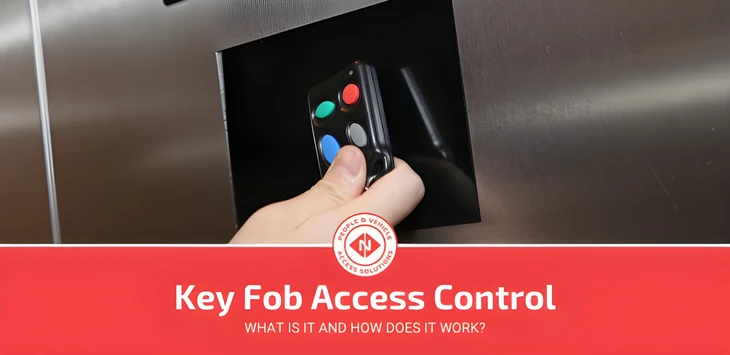
A key fob access control system lets a fob (a small proximity transmitter, often a keyring puck or a credit-card-sized token) communicate wirelessly with a reader to unlock a door, gate, or barrier. The reader recognises the fob’s unique ID and releases the lock only for credentials the system has authorised. Modern systems use passive RFID, Bluetooth, or Near Field Communication (NFC).
Key fobs have been around since the early 1980s. Early versions used line-of-sight infrared, were primarily used for cars, and were fairly easy to copy. Today’s systems are encrypted, trackable and managed entirely in software.
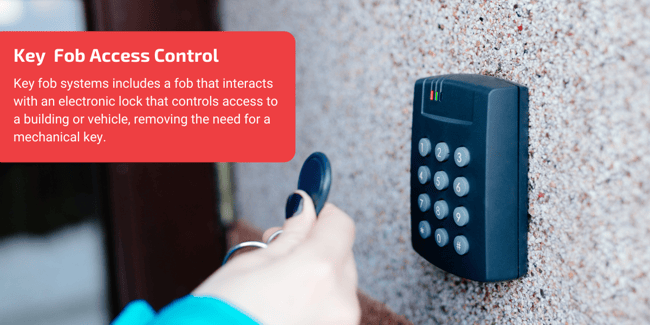
Traditional lock and keys are being phased out in a lot of different industries and keyless entry, tap-to-pay, and fob technology is being seen more and more in our everyday lives.
This shift away from lock and key has occurred due to a few factors, such as technological advances, security flaws of traditional systems, and increased internal threats.
Whether it’s paying for your coffee with a contactless card, accessing a car without a key, or opening a door at work, we have probably seen more of this technology than we think. The prevalence of Key Fob technology is only set to expand in the coming years.
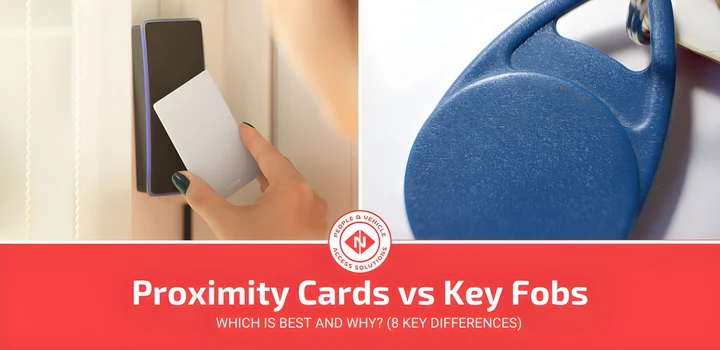
Key Fob systems basically allow a fob (often a credit card size proximity transmitter) to communicate with the receiver (in a door or lock), to unlock and give access to a building, area, or vehicle. While fobs and proximity cards serve a similar purpose, there are important differences in form factor and usage.
What is Proximity Access Control?
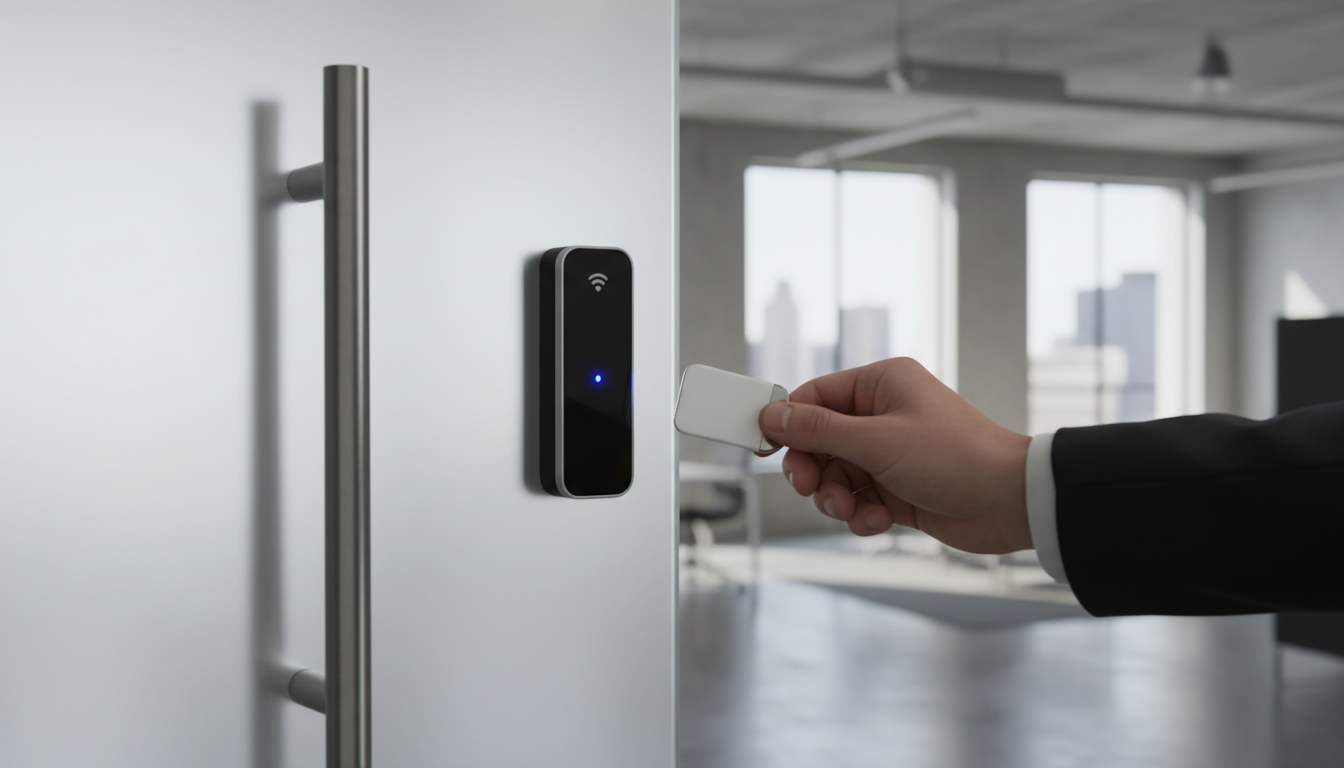
Proximity is a wireless technology that enables access control devices to communicate with each other without physical contact. Proximity access control systems run on low-frequency RFID technology, typically operating within the 120 kHz range. Average proximity card read range reaches up to 50 cm (about 15 inches), so users simply hold their card or fob near the reader to gain entry, no swiping or inserting required.
A proximity access control system generally consists of three components:
- Proximity Reader: mounted at the entry point, it emits a short-range radio frequency field and reads incoming credentials.
- Tokens (Proximity Card or Key Fob): carried by the user, each containing a unique identifier.
- Networked System/Software: manages permissions, logs events, and coordinates multiple readers across a site.
Active vs. Passive Proximity Cards
Proximity cards fall into two categories, passive and active, and the distinction affects range, cost, and maintenance.
Passive proximity cards are the most widely used in access control. They contain three components embedded within the plastic: an antenna, a capacitor, and an integrated circuit that stores the user’s unique ID number. Because they draw power from the radio frequency signal emitted by the reader, passive cards have no battery to replace and can last indefinitely. The trade-off is a shorter read range, users must hold the card close to the reader for a successful scan.
Active proximity cards (sometimes called vicinity cards) are powered by an internal lithium battery, giving them a greater operating range of up to 2 metres (about 6 ft). This makes them well-suited for hands-free applications such as vehicle gates. However, the battery will eventually run down, meaning the card must be replaced every 2 to 7 years, and active cards tend to be more expensive than their passive counterparts.
Read More: 5 Differences Between RFID Cards and Proximity Cards
How does Key Fob and Proximity Access Control work?
Key Fob and proximity access control systems are fairly straightforward and utilise short-range communication between two devices to unlock doors, locks, vehicles, and more.
In more technical terms, these Key Fobs use RFID (a type of radio frequency), which is a form of barcode system that transfers data using electromagnetic fields and communicates this data to the system from the fob using radio waves.
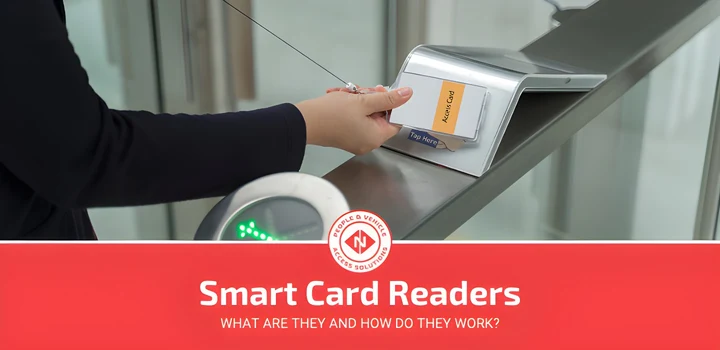
Unlocking a door or lock using a Key Fob is as simple as holding your fob within proximity of the reader, which will read the microchip in your fob and open the door or lock.
Customisable access means that you can limit certain people to different areas that relate to their work. For example, the custodian, cleaner, or janitor might have full access, whereas a receptionist would only need limited access.
RFID Technology in Key Fob Systems
The technology inside a key fob door entry system varies by frequency, and the choice directly affects read range, security level, and suitability for different sites:
| RFID Type | Frequency | Read Range | Typical Use |
|---|---|---|---|
| Low-Frequency (LF) | 125–134 kHz | Up to 10 cm | Standard door fob entry for offices and buildings |
| High-Frequency (HF) | 13.56 MHz | Up to 1 metre | Encrypted smart fobs for higher-security sites |
| Ultra-High-Frequency (UHF) | 860–960 MHz | Up to 12 metres | Vehicle access and hands-free gate systems |
Most commercial key fob entry systems operate on LF or HF. LF is the most common for everyday door access; HF (NFC) credentials support mutual authentication and AES encryption, making them significantly harder to clone, an important consideration for any business deploying a fob entry system across sensitive areas.
Modern key fob systems also use rolling codes that change after each use, preventing replay attacks, and end-to-end encryption between the fob, reader, and control panel.
Key components of Key Fob and Proximity Access Control
In this section, we will take a quick look at some of the key components of Key Fob and proximity access control systems and their practical uses.
How Secure are Key Fob Access Control Systems?
Unique Access Control - limit who can access different areas within your company or sites by only giving access to certain areas to specific individuals or teams, increasing your security.
More Secure than Coded Options - a lot of industries use door/safe codes, the issue with these is that they can be shared, giving access to anyone, whereas a fob is easily trackable and makes the staff more accountable.
Timed Access - you can control not only where people can access, but also when they can access the building, doors, or locks, for example, if someone isn’t at work on the weekend their access can be only on weekdays.
Visitor Privileges - Key Fob Access Control can also grant temporary access to visitors, external stakeholders, or people who need short-term access, such as contractors, freelancers, or maintenance professionals.
How Does Key Fob Access Control Differ From Lock and Key?
No mechanical failure - a key can jam, snap in the lock or go missing. A fob never enters the lock, so there is nothing to wear out, and a lost fob is cancelled in software rather than replaced with a new cylinder.
Difficult to Reproduce - technically speaking, you can copy a Key Fob, but it is not a simple process and not one that someone could do without a lot of technical know-how.
Regardless, this is much harder than copying a traditional key which can be done at multiple locations with ease.
System Management - unlike keys, you can manage your system very easily, tracking who has a fob, when they use it, where they have access to, and the ability to reset, deactivate and create new fobs with ease.
Low-Impact Installation - compared to other security systems or traditional locks, implementation of a Key Fob system is fairly rudimentary and means it can be used in a wide range of industries, companies, and locations.
| Feature | Key Fob | Traditional Keys | Keypads | Biometrics |
|---|---|---|---|---|
| Convenience | High - tap or wave | Moderate - Insert and turn | Moderate - Enter Code | High - Use body part |
| Security | High - Encrypted | Low - Can be copied | Moderate - Can be shared | Very High - Unique to individual |
| Ease of Revoking Access | Easy - Deactivate fob | Difficult - Change locks | Easy - Change code | Easy - Remove from system |
| Cost | Moderate | Low | Low to Moderate | High |
| Durability | High | Moderate | High | Very High |
| Tailored Access Levels | Yes | Limited | Yes | Yes |
| Scalability | High | Low | Moderate | High |
| Maintenance Required | Low | Moderate | Low | Moderate |
What are the benefits of Key Fob and Proximity Access Control?
Security
Every presentation of a fob is logged against a door and a time, so you can see who went where and when. Access is limited to the people you have authorised, by door and by time of day, which is the single biggest reduction in internal stock loss most sites see after installation. If a fob is lost, it is deactivated in the software in seconds; nobody has to change a lock or reissue keys to everyone else.
Installation and running costs
A fob system connects to the security hardware you already have. Readers link to CCTV so a camera image can be matched to each entry, and the same controller can trigger an intruder alarm or a fire system. Because nothing is inserted or turned, there is no mechanical wear on the reader, and the cost of changing locks and cutting replacement keys disappears.
Contactless and Hygienic Proximity Access
Fob and card systems are contactless: there is no keypad to press and no fingerprint sensor to touch. The user holds the credential within a few centimetres of the reader and the door releases. On sites such as hospitals, food production and laboratories where shared touch points are a concern, this is a practical advantage over PIN and biometric readers.
CCTV and Facial Recognition Integration
For sites that require a higher level of security, proximity key fob systems can be linked directly to a CCTV system. When a fob or proximity card is presented at a reader, the system captures a CCTV image of the person requesting entry and cross-references it against their stored facial recognition photo. This ensures the person entering is genuinely the credential holder, adding a powerful visual verification layer on top of standard proximity access control.
Day-to-day operation
A card-format credential doubles as a photo ID, so the same token identifies staff at the door and on the shop floor. In an evacuation, the access log shows who last entered which zone, which makes the roll call faster and more accurate. Doors lock automatically as they close, so security does not depend on the last person out remembering to turn a key.

Limitations of Key Fob Access Control
No access control technology is without trade-offs. Being aware of the limitations helps you plan for them:
- Lost or stolen fobs: unlike a forgotten PIN, a lost fob is a physical credential that must be deactivated immediately. Most systems make this straightforward, but it requires active management by an administrator.
- Credential sharing risk: a fob can be handed to an unauthorised person. Unlike biometrics, there is no guarantee that the credential holder is the authorised user. Two-factor authentication (fob + PIN) mitigates this on higher-security doors.
- Replacement costs: fobs are consumables. Basic RFID proximity fobs typically cost £3–£15 each to replace; smart encrypted credentials cost more. Factor this into your total cost of ownership, especially for large deployments.
- Reader dependency: if a reader malfunctions or loses power without a backup, entry can be disrupted. Specifying battery backup on critical doors and scheduling regular maintenance prevents this.
What industries can benefit from Key Fob and Proximity Access Control?
Fob and proximity systems are the most common form of access control we supply because they are cheap per door, quick to install and simple for staff to use. The sectors below are where we see them most.
Schools and colleges
A school has to stay open to pupils, parents and visitors during the day and locked down in an emergency. Fobs let the site team give each group access to the right buildings by year group or department, and lock every external door from the office in seconds if they need to. Many schools issue the same card for the library and the canteen, so one credential does three jobs. Our guide to access control for schools covers this in detail.
Manufacturing
On a production site, zones carry different risks. Fobs restrict each area to the people trained for it, so an untrained operative cannot walk into a hazardous cell or start a machine they are not certified on. The same reader records shift start and end times for time and attendance, which removes a separate clocking system. See our RFID in manufacturing guide for the wider picture.
Apartments and residential estates
Residents carry one fob for the main entrance, the car park barrier, the bike store and their own front door. Some systems let a resident issue a temporary credential to a visitor or a tradesperson from a phone app, and revoke it afterwards. Our apartment access control guide explains the options for landlords and managing agents.
How Much Does a Key Fob Access Control System Cost in the UK?
Cost is one of the most common questions when evaluating a key fob system. While every installation varies, the table below gives typical UK price ranges as a starting point:
| Cost Component | Typical UK Range |
|---|---|
| Hardware per door (reader + lock hardware) | £300–£600 |
| Full installed system per door | £500–£800 |
| Standard proximity fobs / cards (per credential) | £3–£15 |
| Encrypted smart fobs (MIFARE / DESFire) | £15–£50 |
| Annual maintenance visit | £75–£150 |
| Cloud management software | £20–£60/month |
Several factors affect the final price:
- Number of doors: the per-door cost typically falls as the number of doors increases, since installation labour and cabling are more efficiently deployed at scale.
- Technology tier: basic 125 kHz LF proximity systems are the most affordable. HF/NFC smart card systems with mutual authentication and encryption cost more upfront but deliver significantly stronger security.
- Standalone vs. networked: a standalone single-door system is cheapest but offers no central management. A networked system with management software is essential for multi-door or multi-site deployments.
- Integration requirements: linking to CCTV, intruder alarms, or time-and-attendance systems adds to project cost but reduces ongoing administration.
For a typical small-to-medium business installation covering 3–5 doors, budget £2,000–£4,500 for a fully installed, networked system including hardware, cabling, and software setup. For a detailed breakdown of costs across different system types and scales, see our access control system cost guide.
Installing a Key Fob Access Control System

A professional installation follows a structured process to ensure the system performs reliably from day one:
- Site survey: an engineer assesses each entry point, identifies cable routes, reviews the door hardware, and specifies the right reader and lock type for each location.
- System design: the access control system is designed around your security zones, user groups, time restrictions, and any integration requirements with CCTV, barriers, or other systems.
- Hardware installation: readers are mounted at each door, electric locks or strikes are fitted to the door frames, door controllers are installed in a secure location, and cabling is run back to a central panel.
- Software configuration: user credentials are programmed, access levels and time-zone restrictions are set up, and the system is tested end-to-end before handover.
- Training and handover: staff are trained on how to issue and revoke fobs, manage user permissions, view audit logs, and handle common scenarios such as lost credentials.
Most small-to-medium installations are completed within one to two days with minimal disruption to site operations. For NSI or SSAIB-approved installation, ensure your chosen installer holds the relevant certification: this is particularly important for insurance compliance on commercial sites.
How to Choose the Right Key Fob System for Your Building
With many systems on the market, the right choice comes down to a few key questions:
How many doors and users do you need to cover? A standalone single-door reader suits a small office with straightforward needs. For a key fob entry system for buildings with multiple floors, departments, or entry points, you need a networked system with centralised management software: this is where the real value lies for any business deploying a controlled access key system at scale. Audit trails, remote access revocation, and time-zone management all depend on it.
What level of security do you need? Standard 125 kHz proximity fobs are cost-effective and convenient, but they can be cloned with inexpensive off-the-shelf equipment. For sensitive areas (server rooms, pharmaceutical storage, data centres), specify 13.56 MHz MIFARE DESFire credentials, which use mutual authentication and AES encryption and are significantly harder to compromise.
Do you need time-based or zone-based access control? If different staff require access to different areas, or you need to prevent access outside working hours, you need a system with access level and time-zone management. This rules out basic standalone readers and requires a proper access control controller and software.
Will it integrate with your existing systems? If you already have CCTV, an intruder alarm, or an HR/time-and-attendance platform, verify that the access control system supports integration. A connected security ecosystem reduces administration overhead and improves incident response.
Is the installer NSI or SSAIB approved? For commercial installations in the UK, look for installers approved by the NSI (National Security Inspectorate) or SSAIB. This ensures the installation meets BS EN 60839 standards for electronic access control systems and is typically required for insurance and compliance purposes.
Frequently Asked Questions
What is a key fob?
A key fob is a small, portable electronic device that uses radio frequency technology (typically RFID or NFC) to communicate with a door reader. When held within range, it transmits a unique credential code that the access control system uses to grant or deny entry.
How do key fobs work?
A key fob contains an embedded microchip and antenna. When brought close to a reader, the reader emits a radio frequency field that powers the chip, which broadcasts its unique ID. The access control system checks this ID against its permissions database and unlocks the door if authorised.
Can a key fob be copied or cloned?
Basic 125 kHz proximity fobs can be duplicated with commercially available cloning equipment: this is a known vulnerability of older technology. Encrypted 13.56 MHz smart credentials (MIFARE, DESFire) use rolling authentication and AES encryption, making them significantly harder to clone. For any site with meaningful security requirements, always specify encrypted credentials.
What happens if a key fob is lost?
A lost fob can be instantly deactivated in the management software, revoking access without needing to change locks or issue new credentials to other users. This is one of the most practical advantages of key fob systems over traditional keys.
How much does a key fob entry system cost in the UK?
A fully installed key fob access control system typically costs £500–£800 per door in the UK, including hardware and installation. Individual fobs or proximity cards cost £3–£15 each for standard credentials. For a 3–5 door installation, budget £2,000–£4,500 for a complete networked system.
What is the difference between a key fob and a proximity card?
Both use the same underlying RFID technology and work identically with access control readers. The difference is form factor: a proximity card is credit-card sized and fits in a wallet, while a key fob is a compact puck that attaches to a keyring. Some sites issue both to the same users for different purposes. For a full comparison, see our guide on proximity cards vs key fobs.